
At the register · guide 7 of 12
Ring a sale, take payment and print a receipt
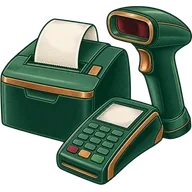
Scan items, handle the age prompt, choose a case or bottle unit, take cash, card or split payment, and print or email the receipt.
About 3 minutes · checked 2026-10-18
Steps
- Open the register (POS) and choose your register if asked.
- Scan items. A case barcode rings the case; a bottle barcode rings a single.
- If the age prompt appears, scan the ID or type the date of birth, then approve or refuse.
- Add the customer (phone number) to earn loyalty points, if you use them.
- Press Pay and choose Cash, Card (taken on your processor’s terminal) or Split.
- Print the receipt, or email it if the customer prefers.
Refunds and voids
Refunds and voids follow role permissions. Most stores let only supervisors and managers refund.








